Quick Capture
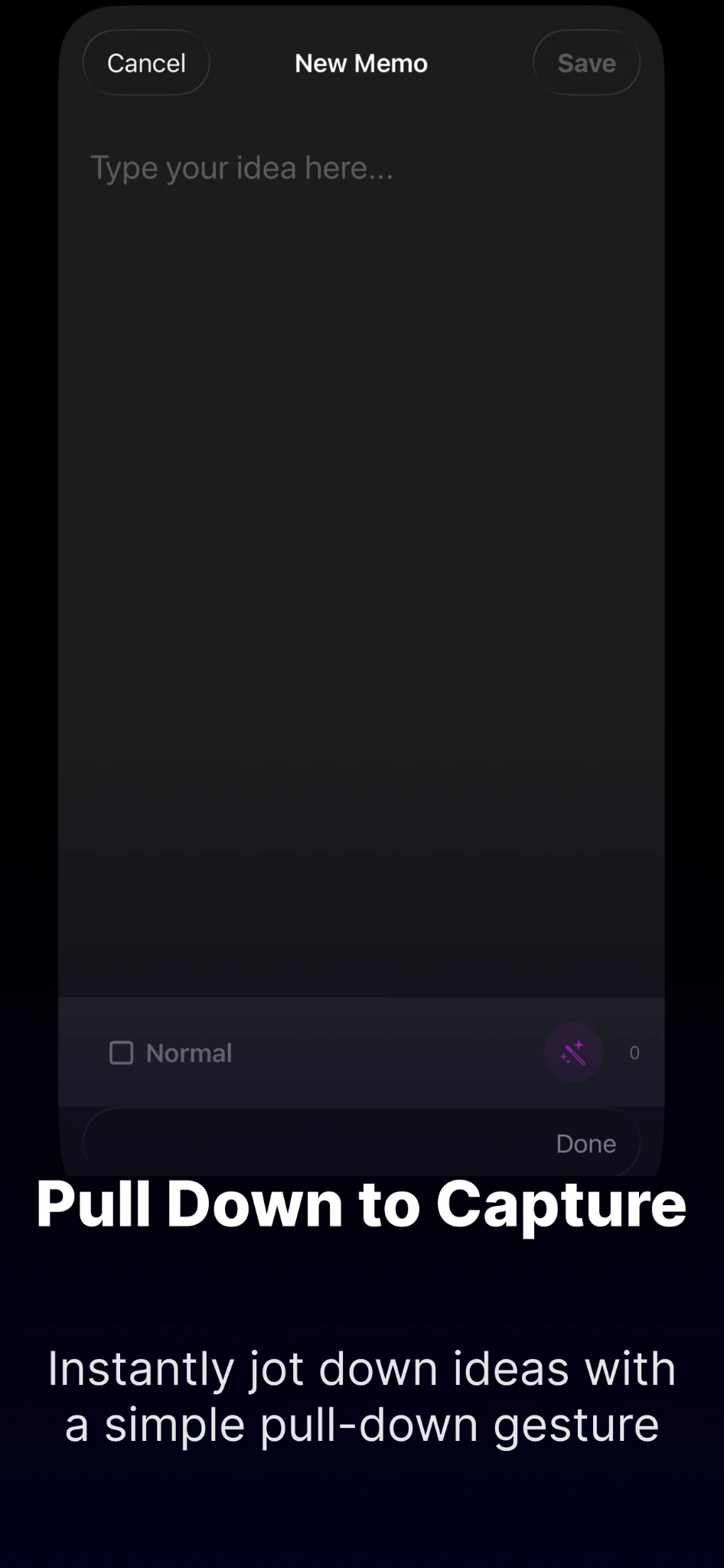
Jot down an idea without breaking your flow. Use pull-down capture on iPhone or keyboard-driven capture on Mac.
Capture ideas instantly, organize them with flexible cards, and keep what matters within reach—from widgets on iPhone to Quick Capture on Mac.
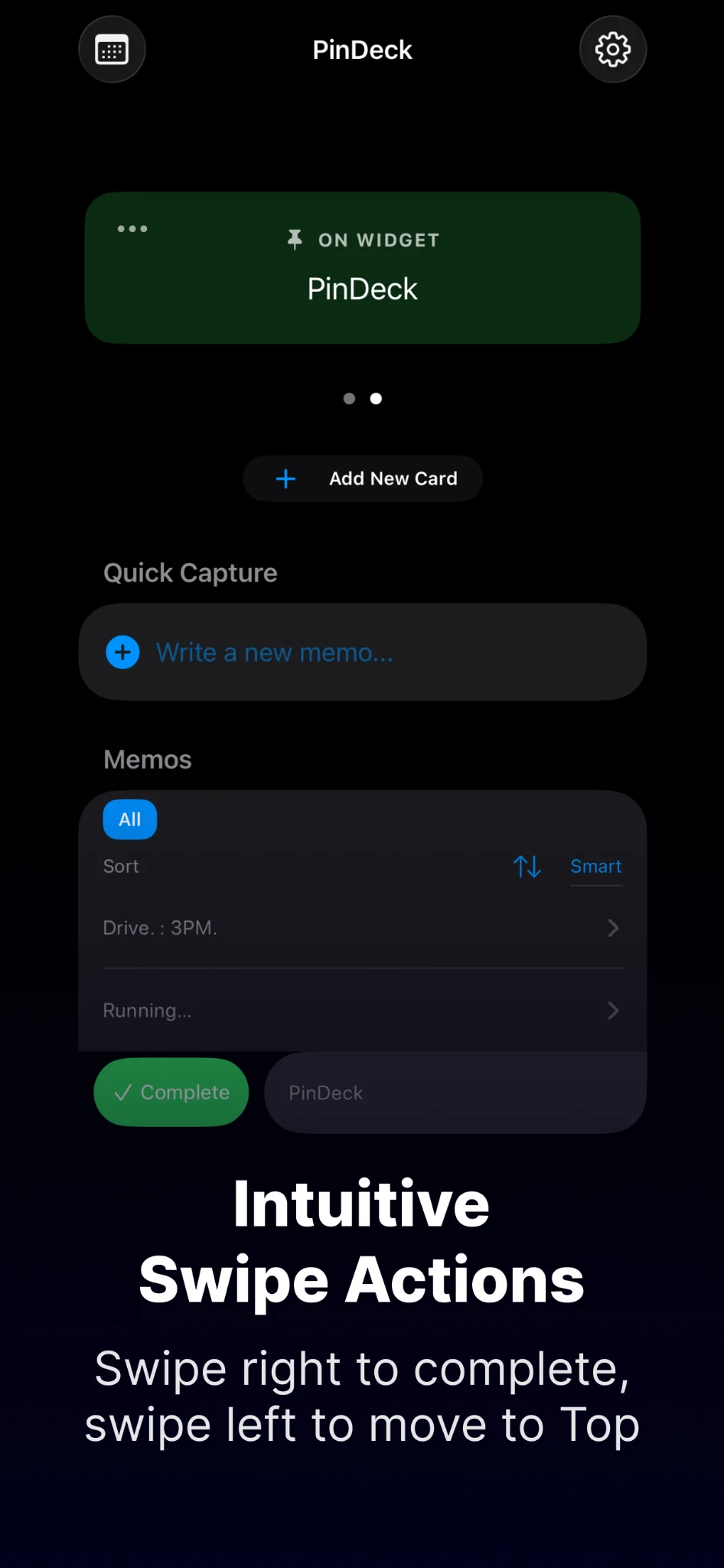
PinDeck keeps note-taking lightweight while giving you enough structure to find, focus, and act on what you wrote.
Jot down an idea without breaking your flow. Use pull-down capture on iPhone or keyboard-driven capture on Mac.
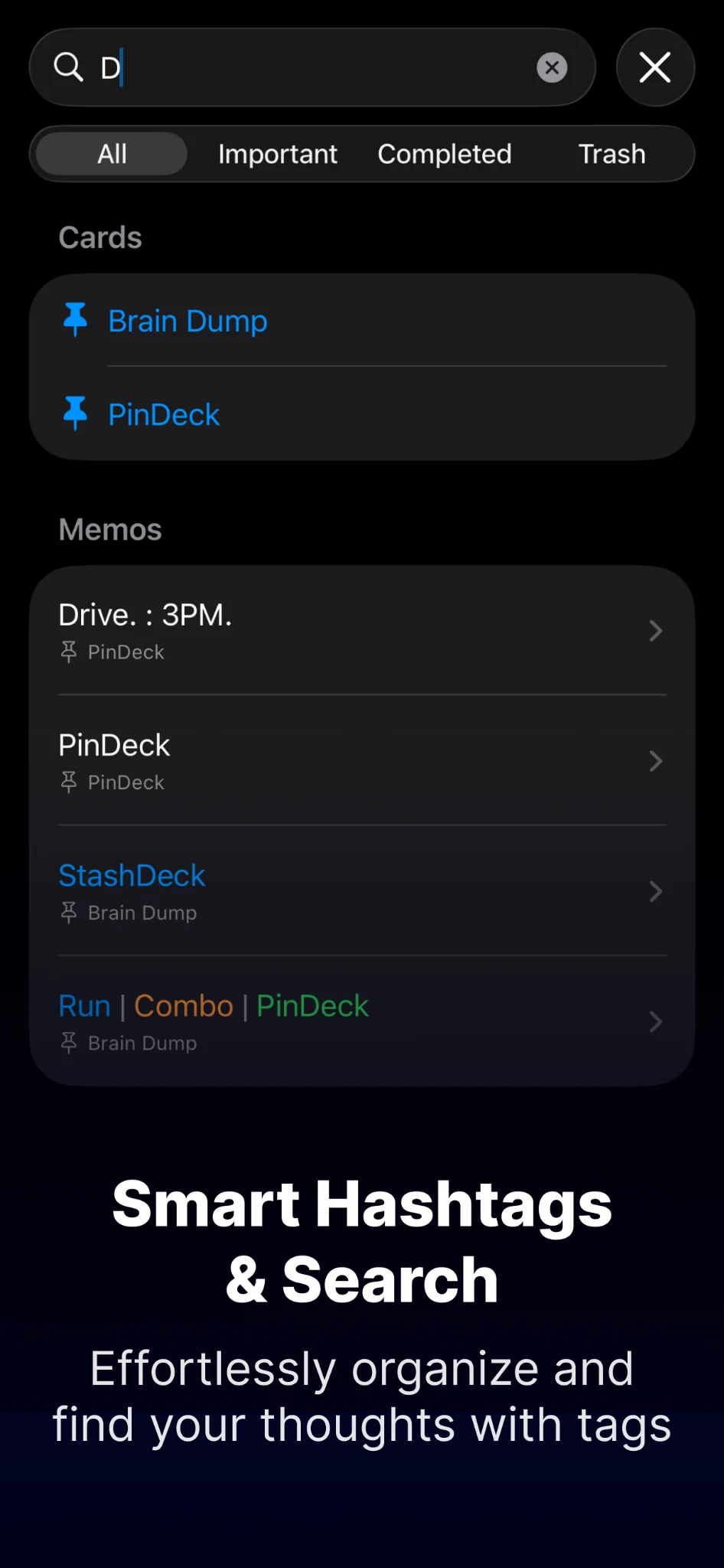
Use tags to organize related thoughts and find them quickly with search across cards and memos.
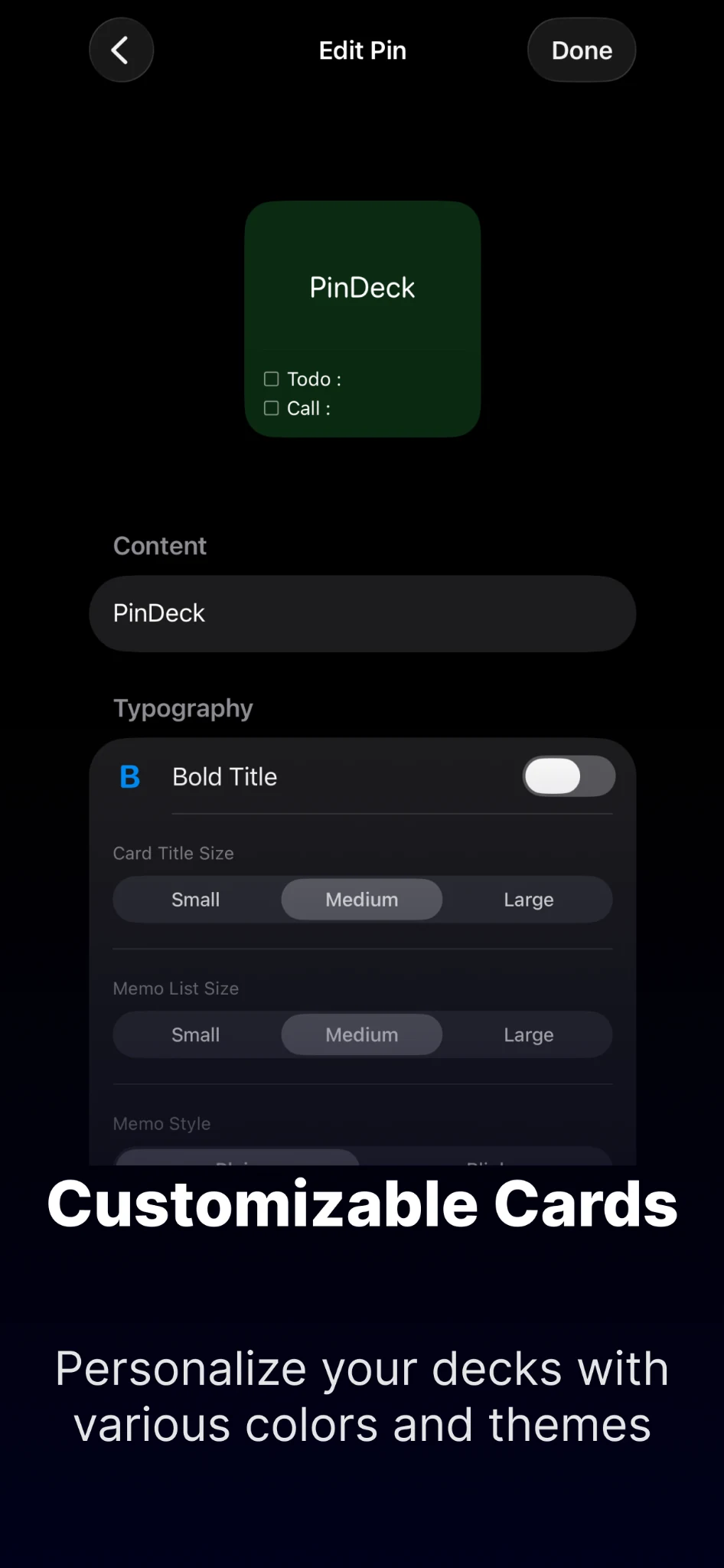
Create separate decks for work, personal ideas, projects, errands, or anything else you want to keep close.
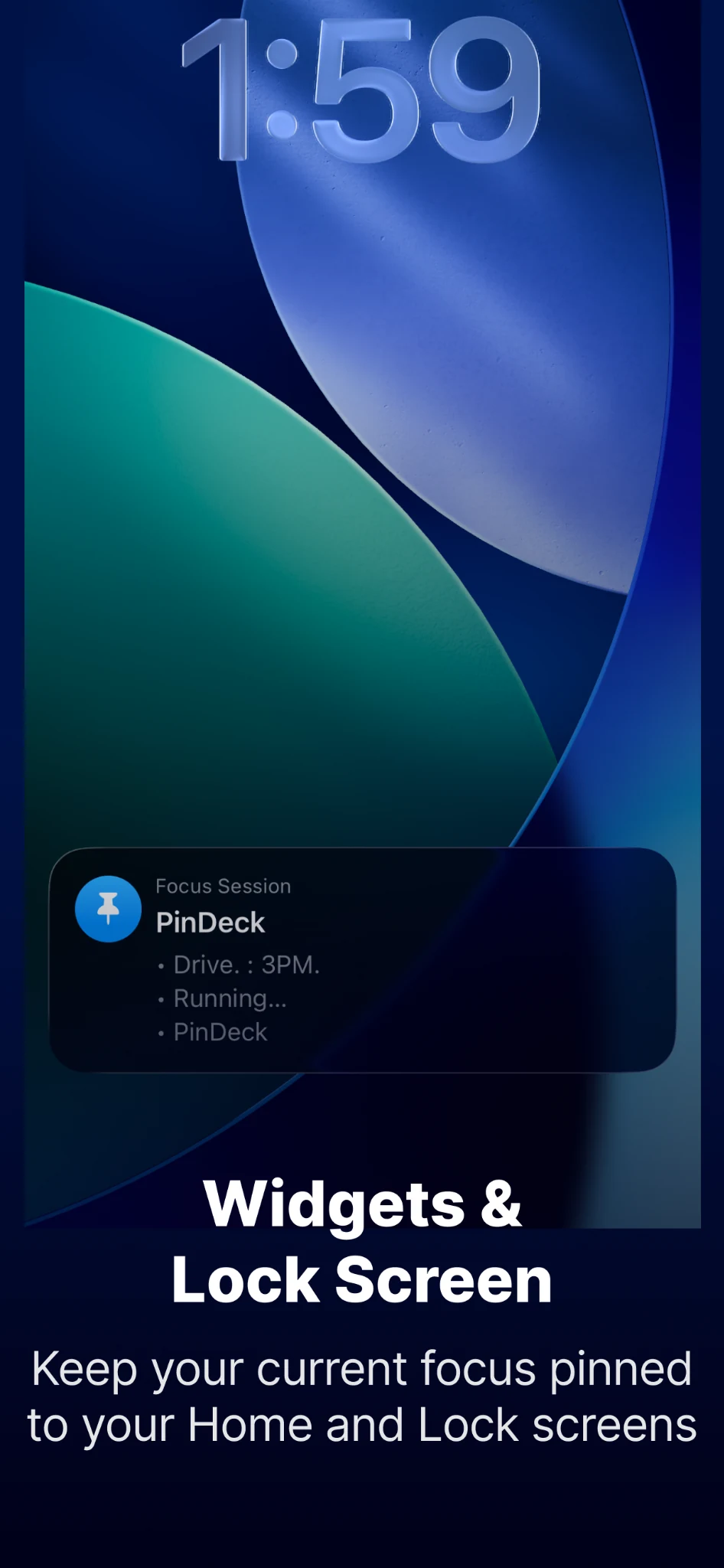
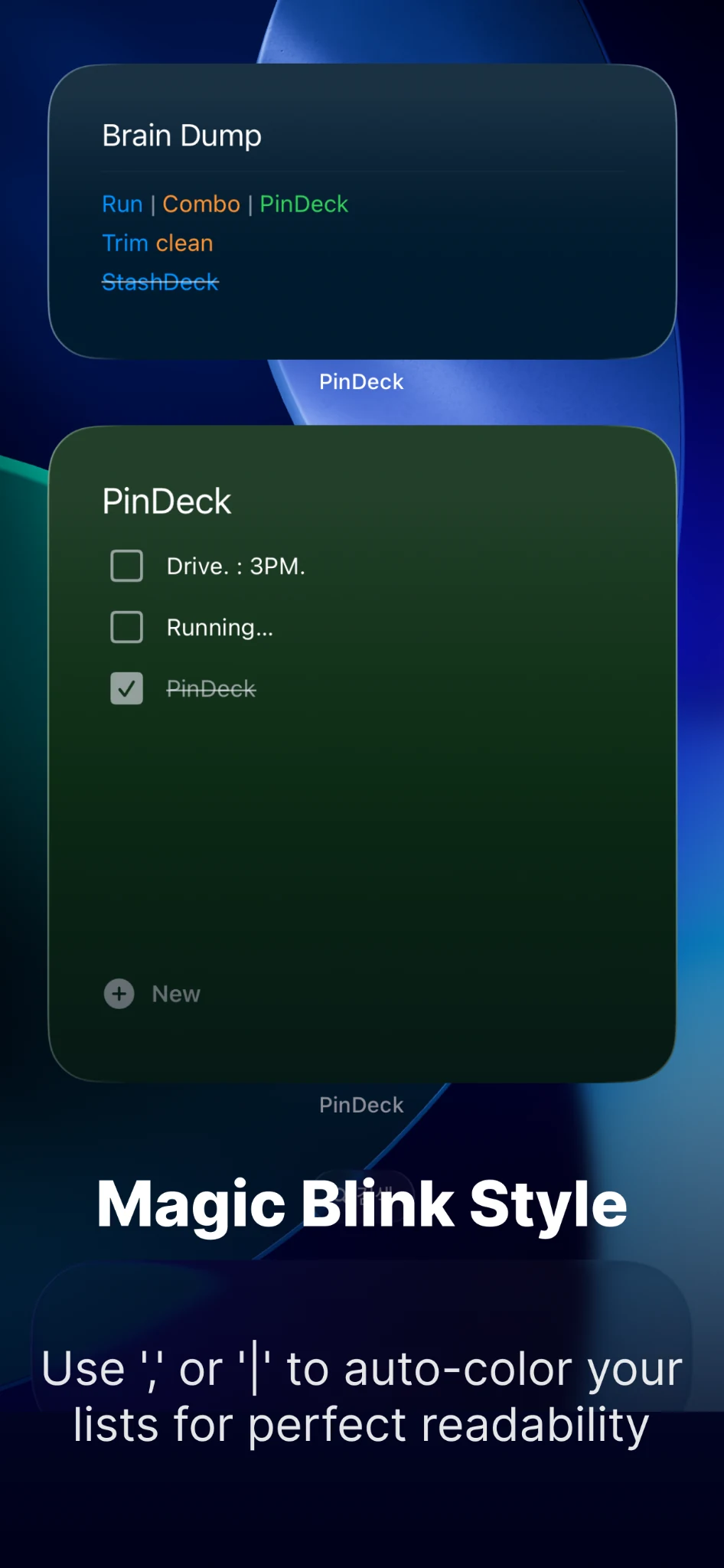
Keep selected cards on your Home Screen and Lock Screen, and stay close to your current focus.
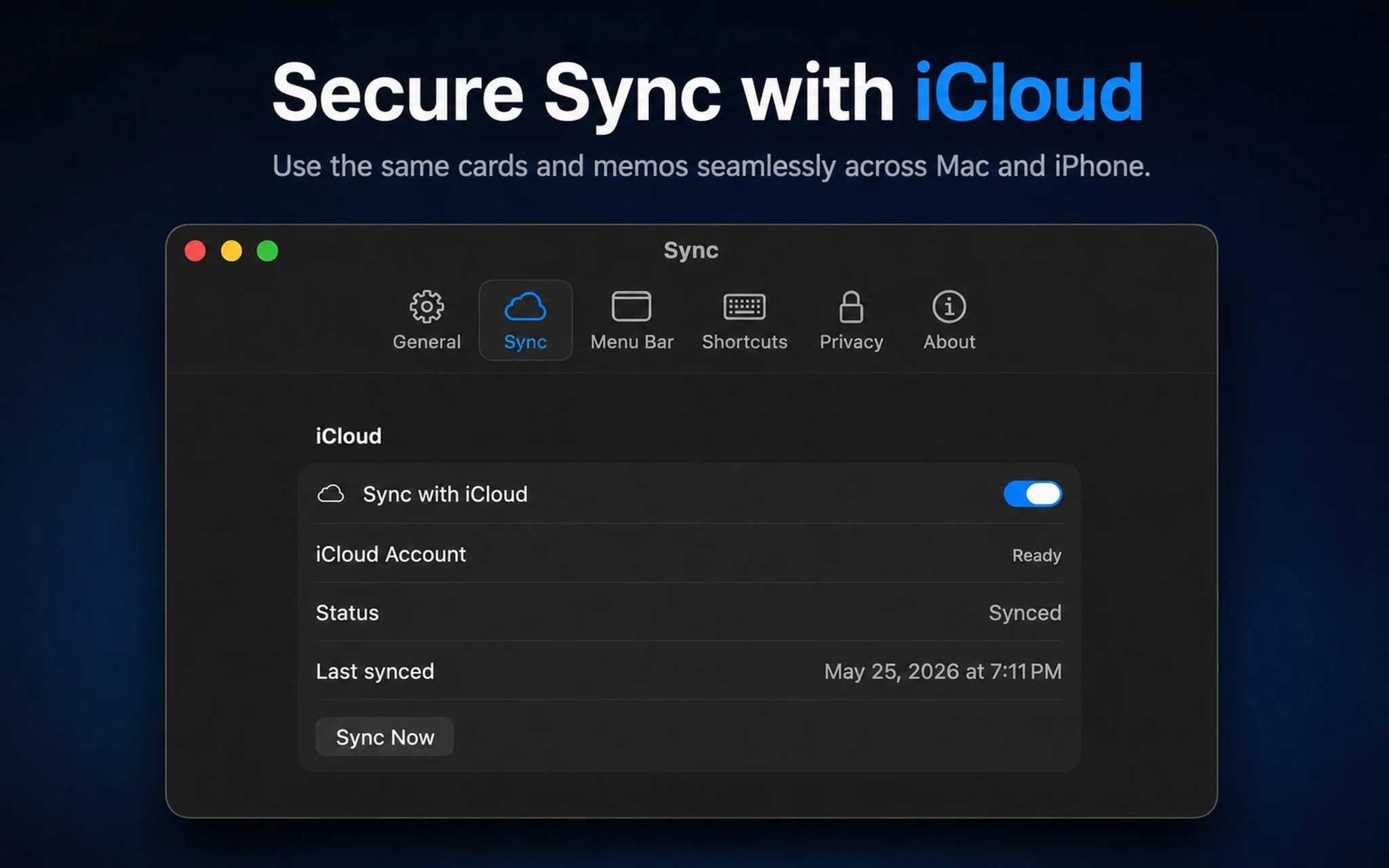
Keep cards and memos in sync between your Apple devices using your iCloud account.
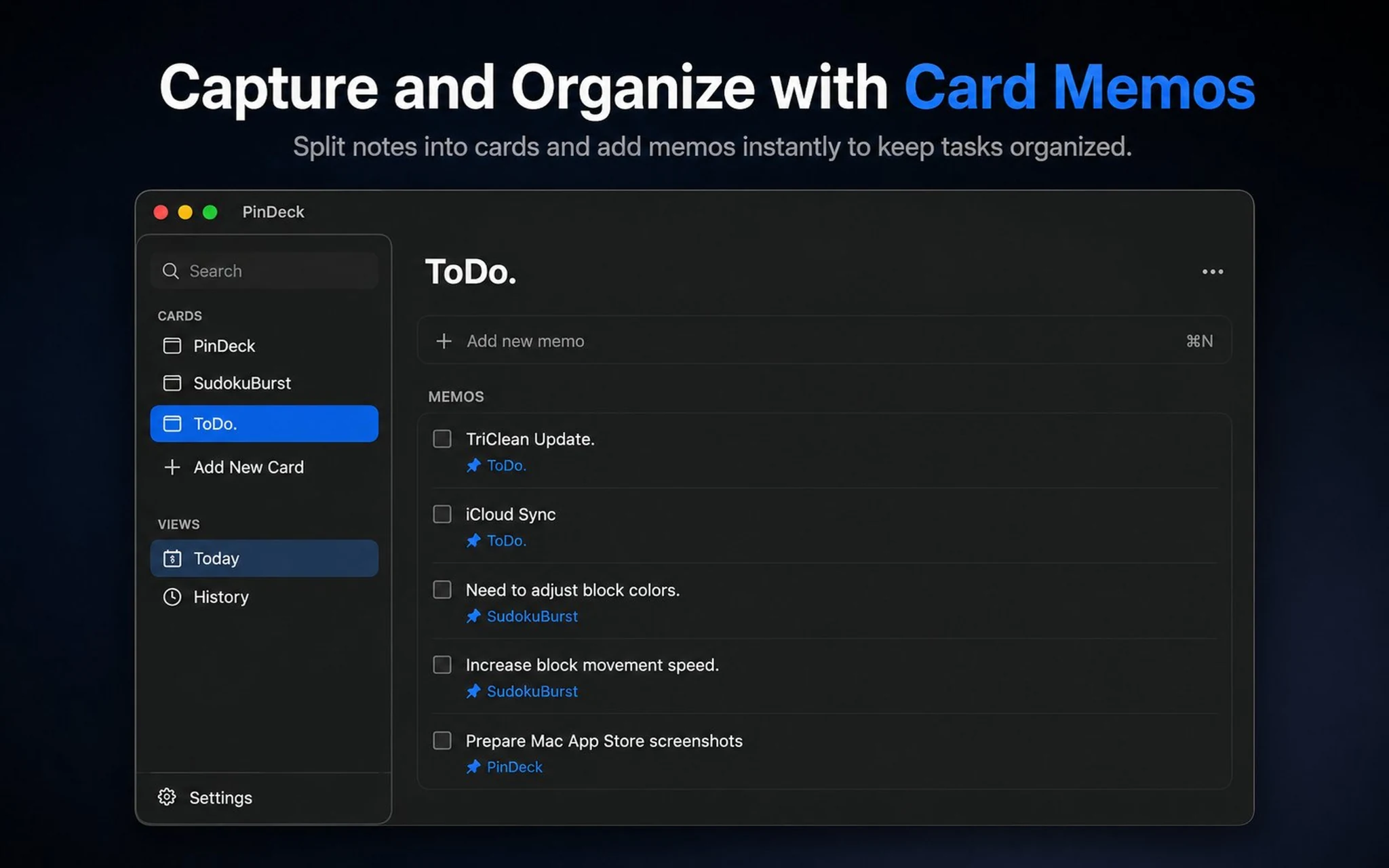
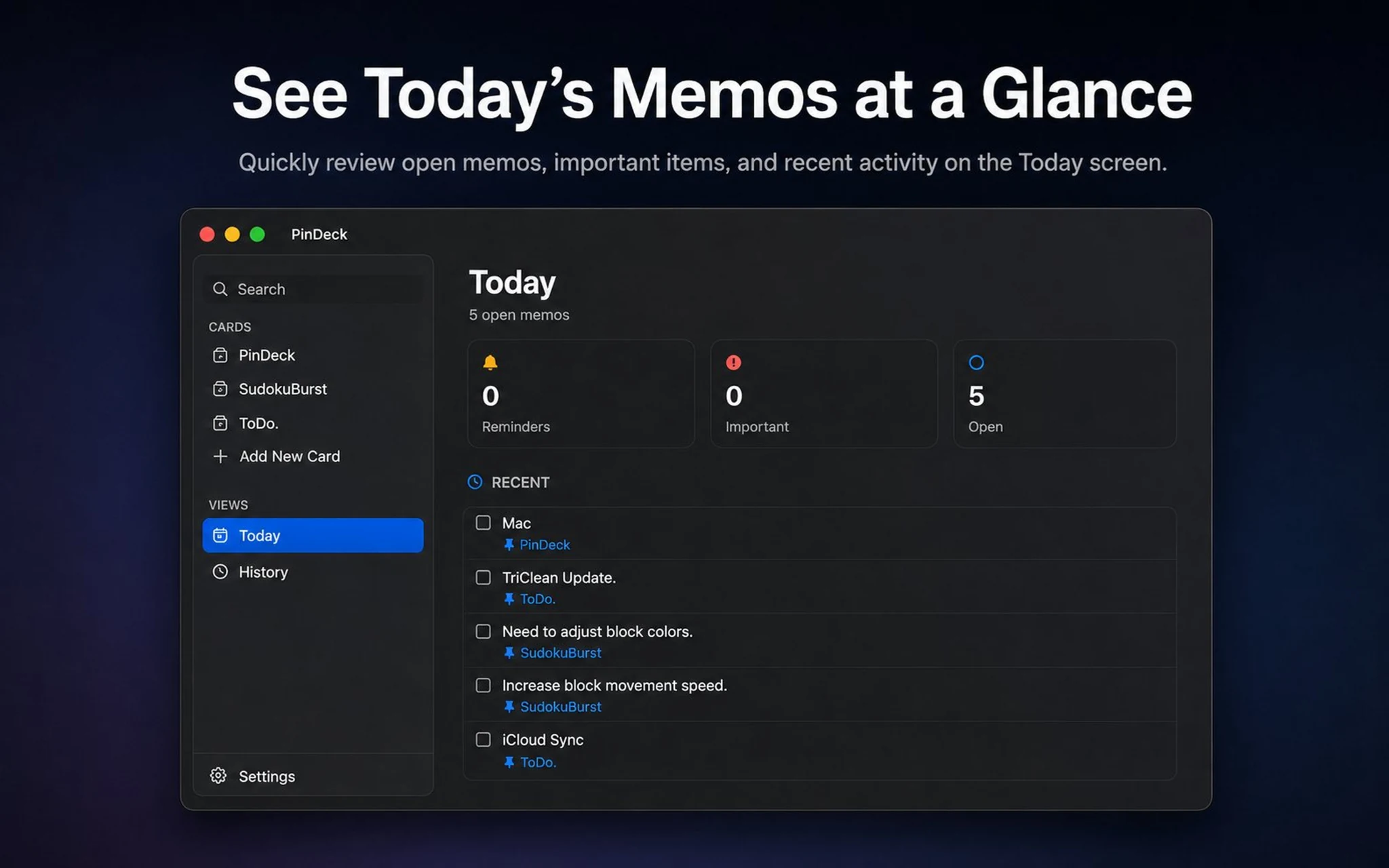
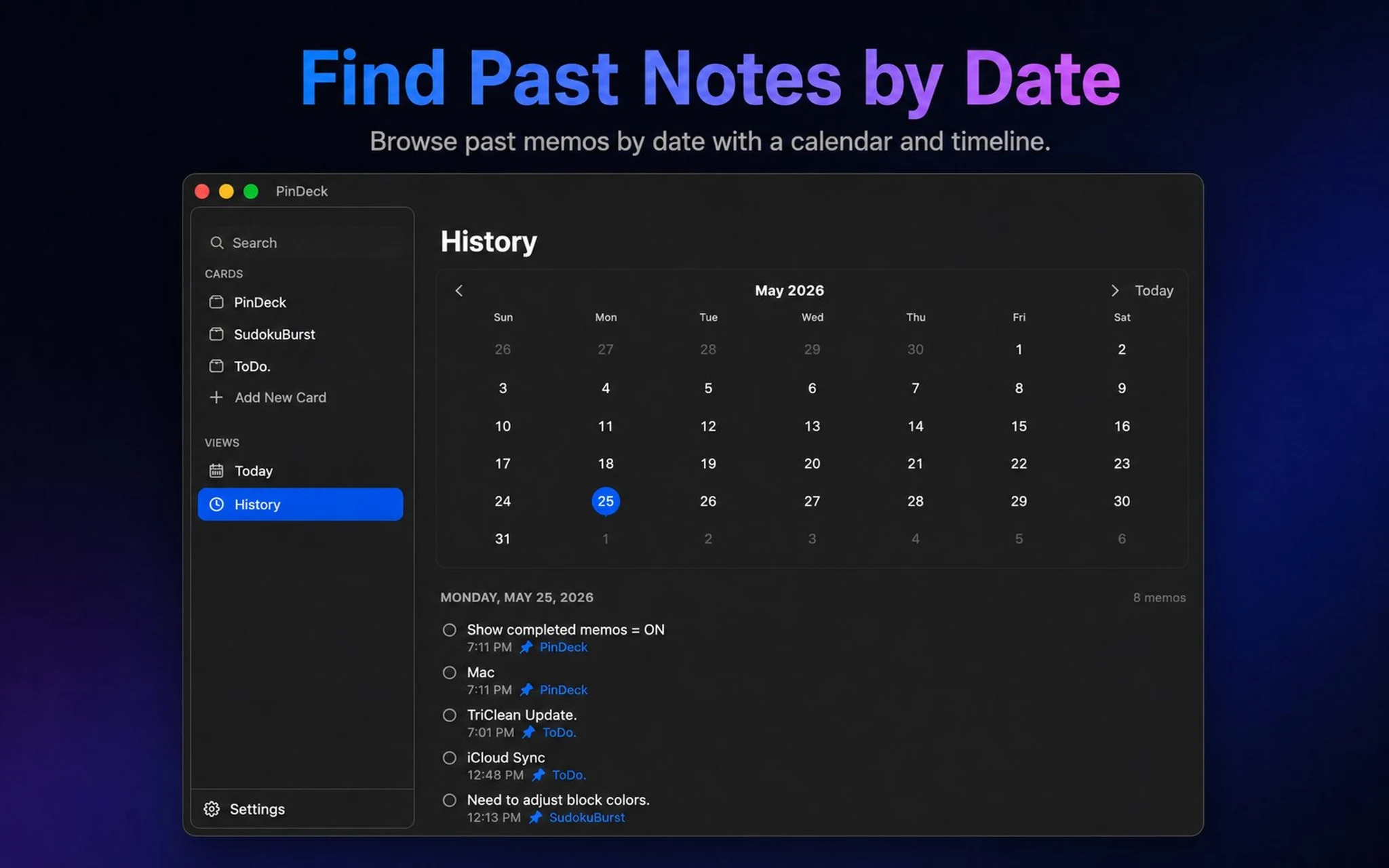
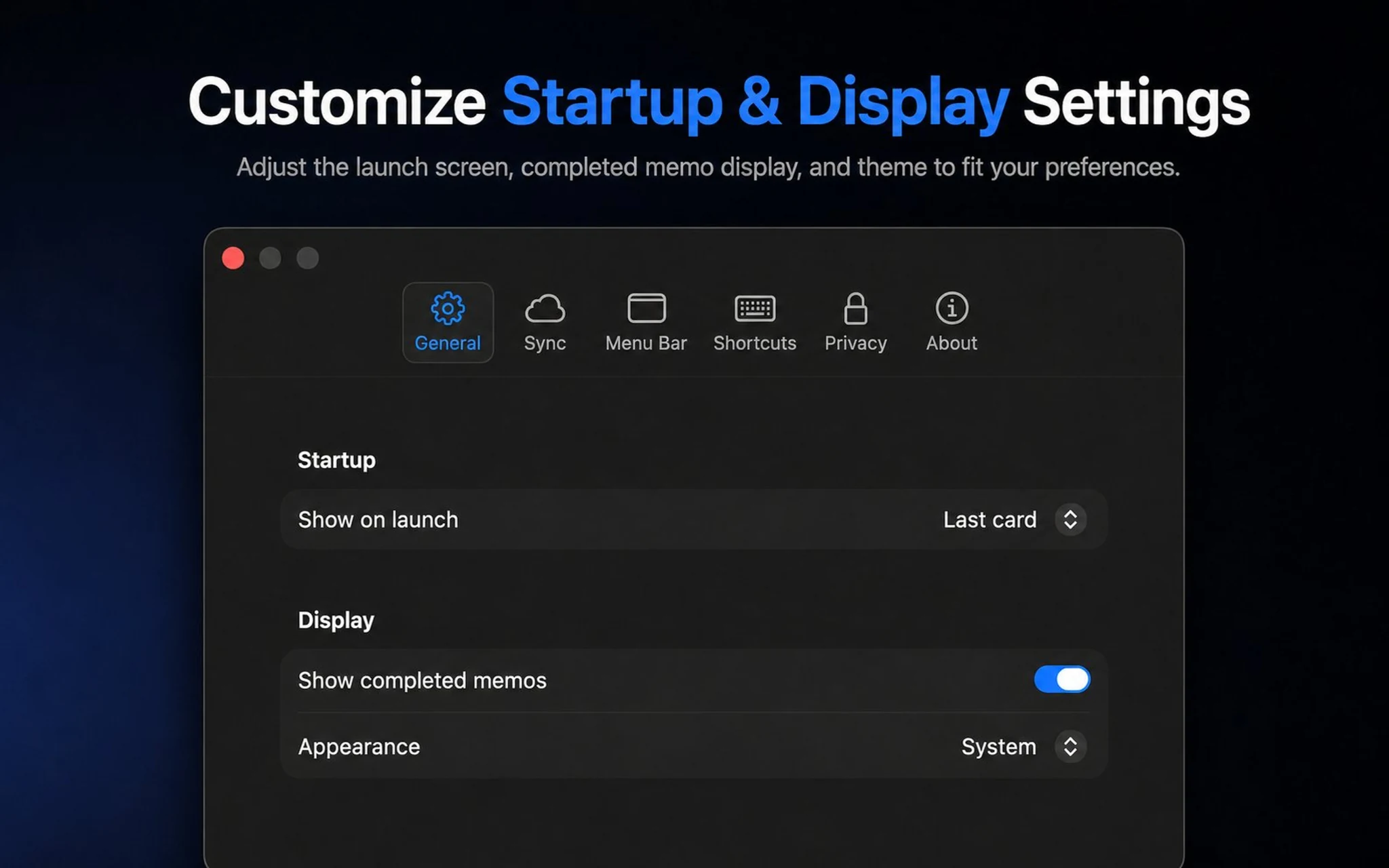
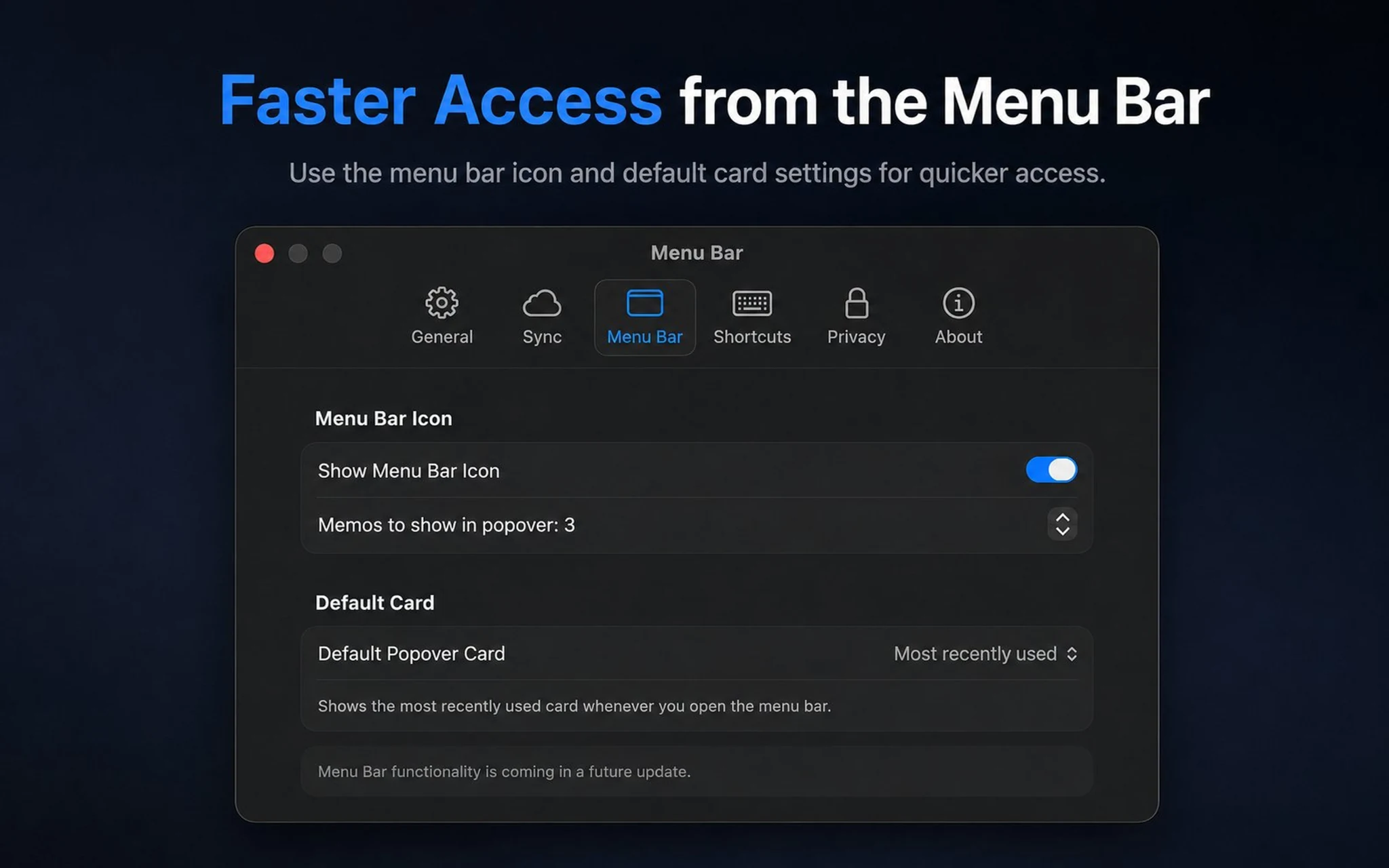
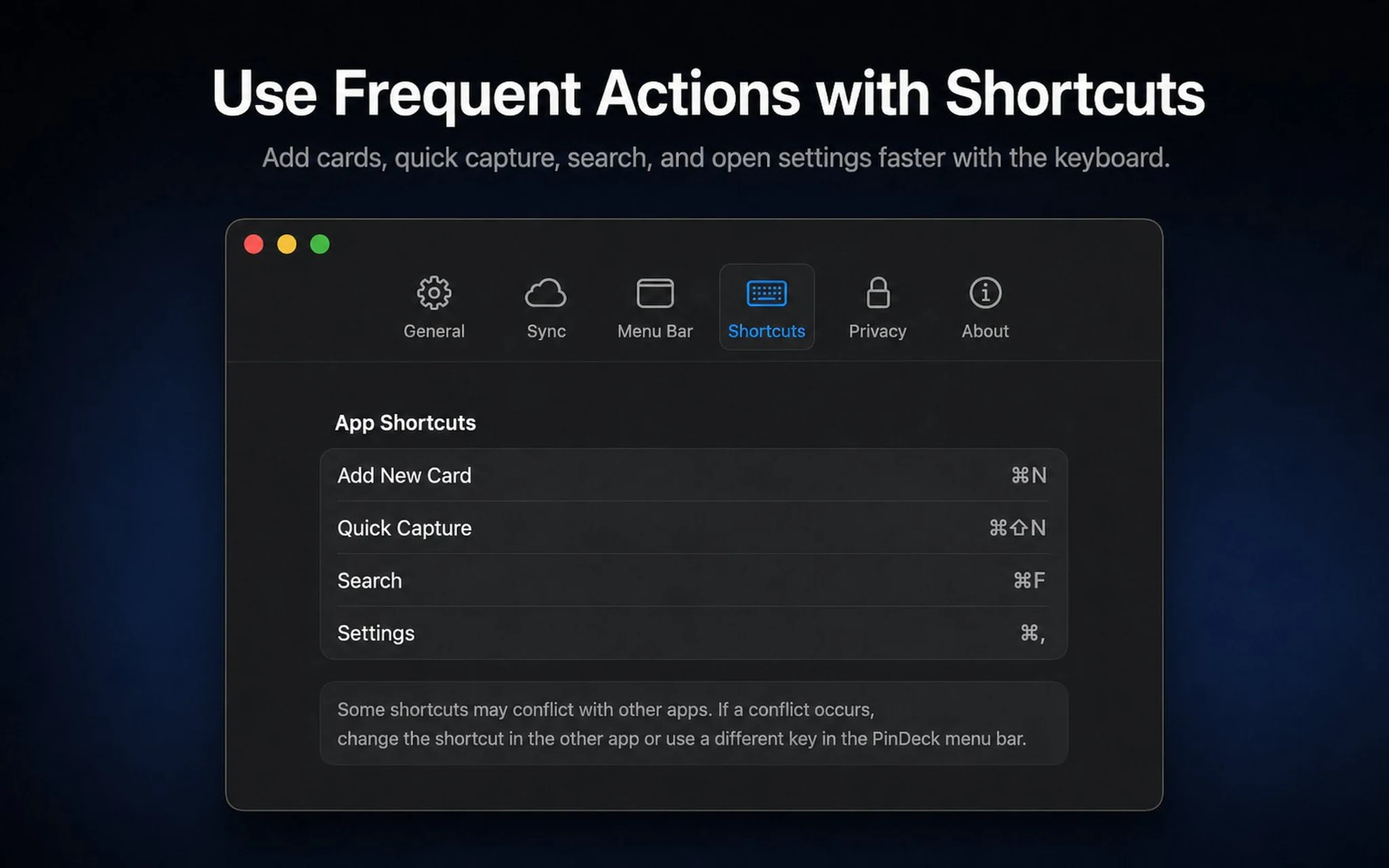
Use the menu bar, keyboard shortcuts, Today view, History, and privacy controls without leaving your desktop workflow.
Fast capture and touch-first organization, designed around the places you already glance at throughout the day.
PinDeck on Mac is built for fast access and keyboard-friendly organization throughout your workday.
From quick capture and swipe actions to smart formatting, widgets, and history.
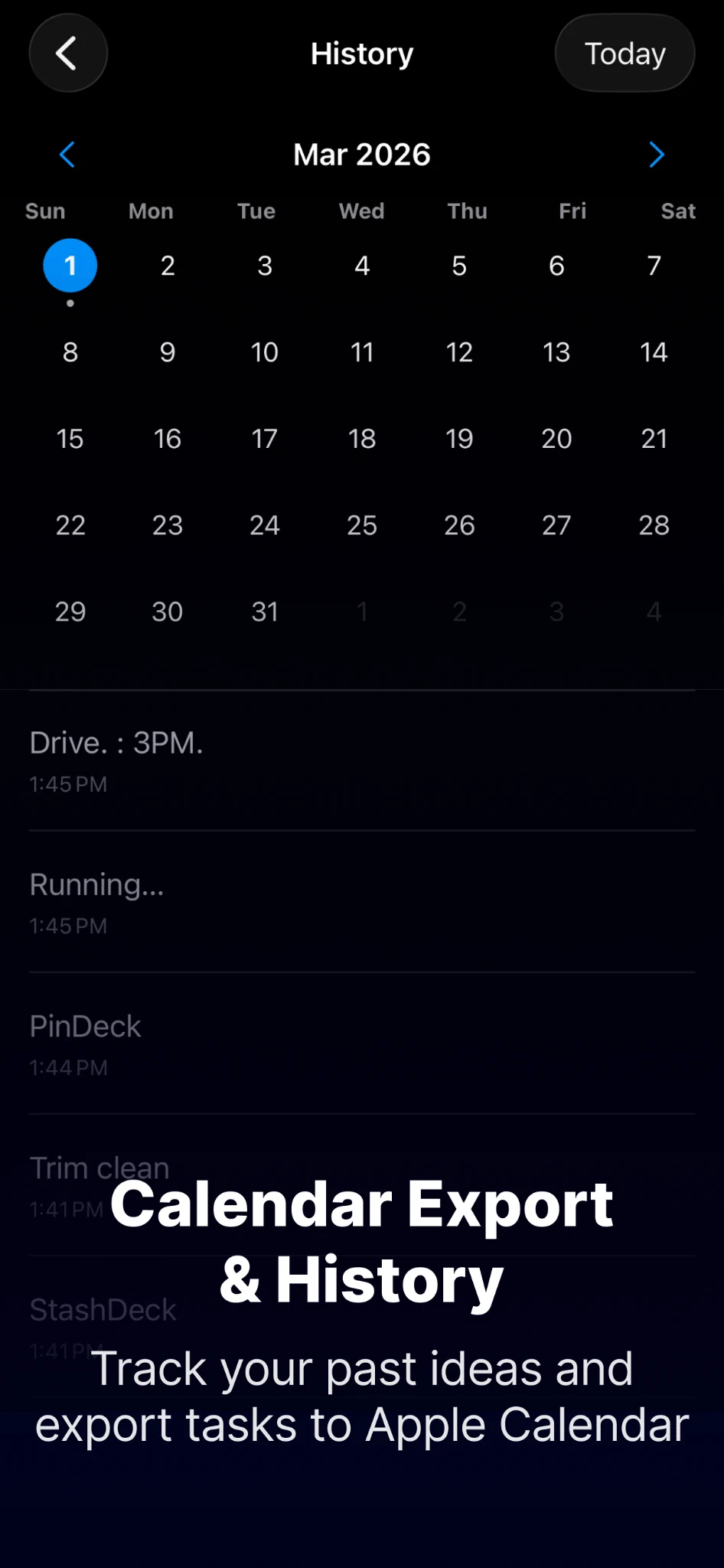
Organize cards, review today’s open memos, browse history, sync through iCloud, and capture from the menu bar.
PinDeck is free to start. PinDeck Pro is available as an optional one-time purchase for Pro features and an ad-free iOS experience. Existing eligible paid users keep their Pro access.
Cards and memos are stored on your device and, when you enable iCloud sync, in your Apple iCloud account. PinDeck does not run a separate account system for your note content. The free iOS version may show ads; the Mac app does not include advertising or tracking SDKs.