Free
Essential conversion
For quick, everyday image tasks.
- Up to 5 files per job
- JPEG, PNG, HEIC and PDF
- Resize and quality controls
- Metadata removal
Image conversion, made for Mac
Convert HEIC, JPEG, PNG and PDF files, resize images, remove sensitive metadata, and process multiple files in one clean workflow — all on your Mac.
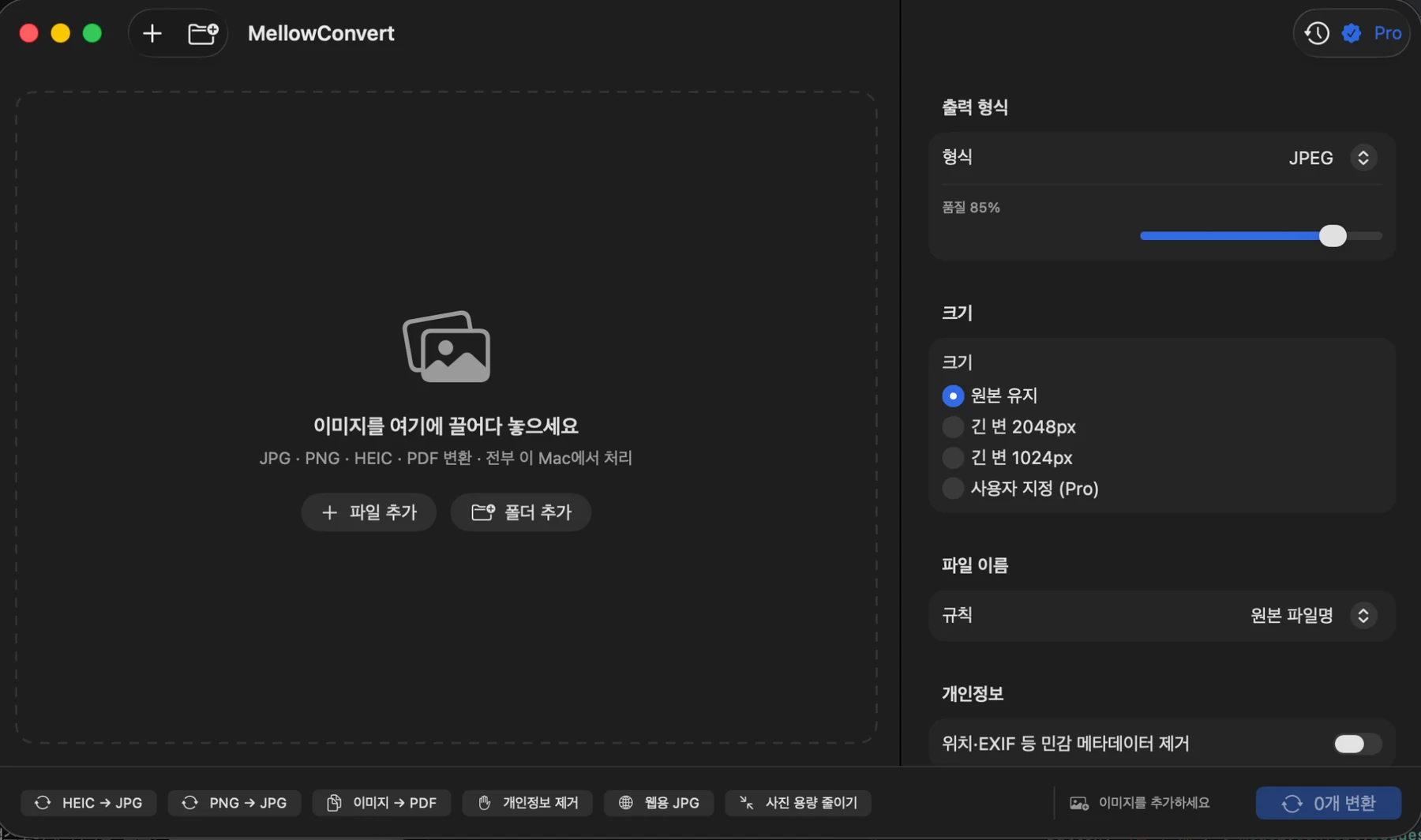
One workflow, less friction
From a few files to a full folder, MellowConvert keeps conversion settings and results in one place.
Add files or a folder, choose the output format, quality and size once, then run the entire batch together.
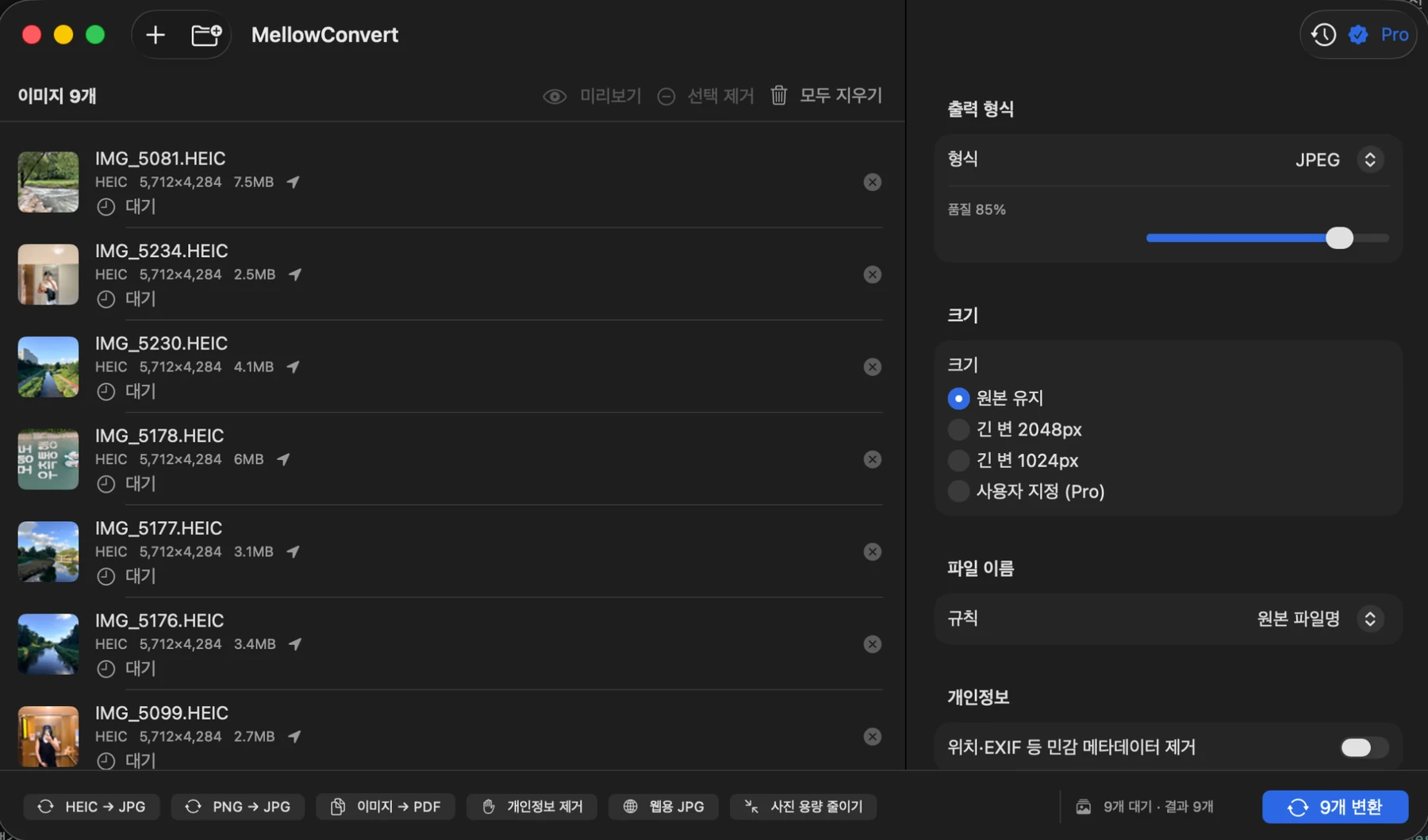
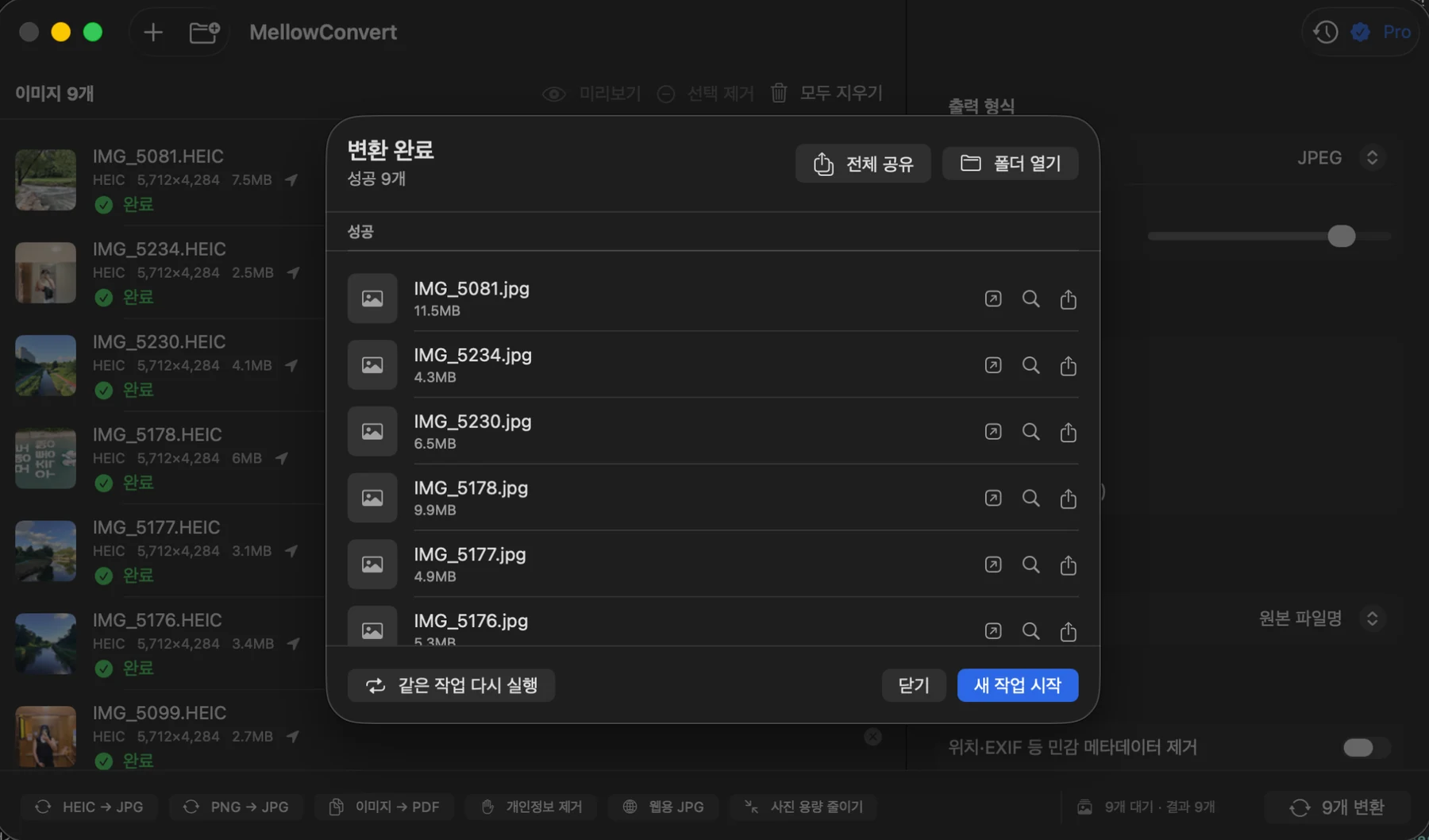
When conversion finishes, review output files immediately, open the destination folder, share results, or start a new task.
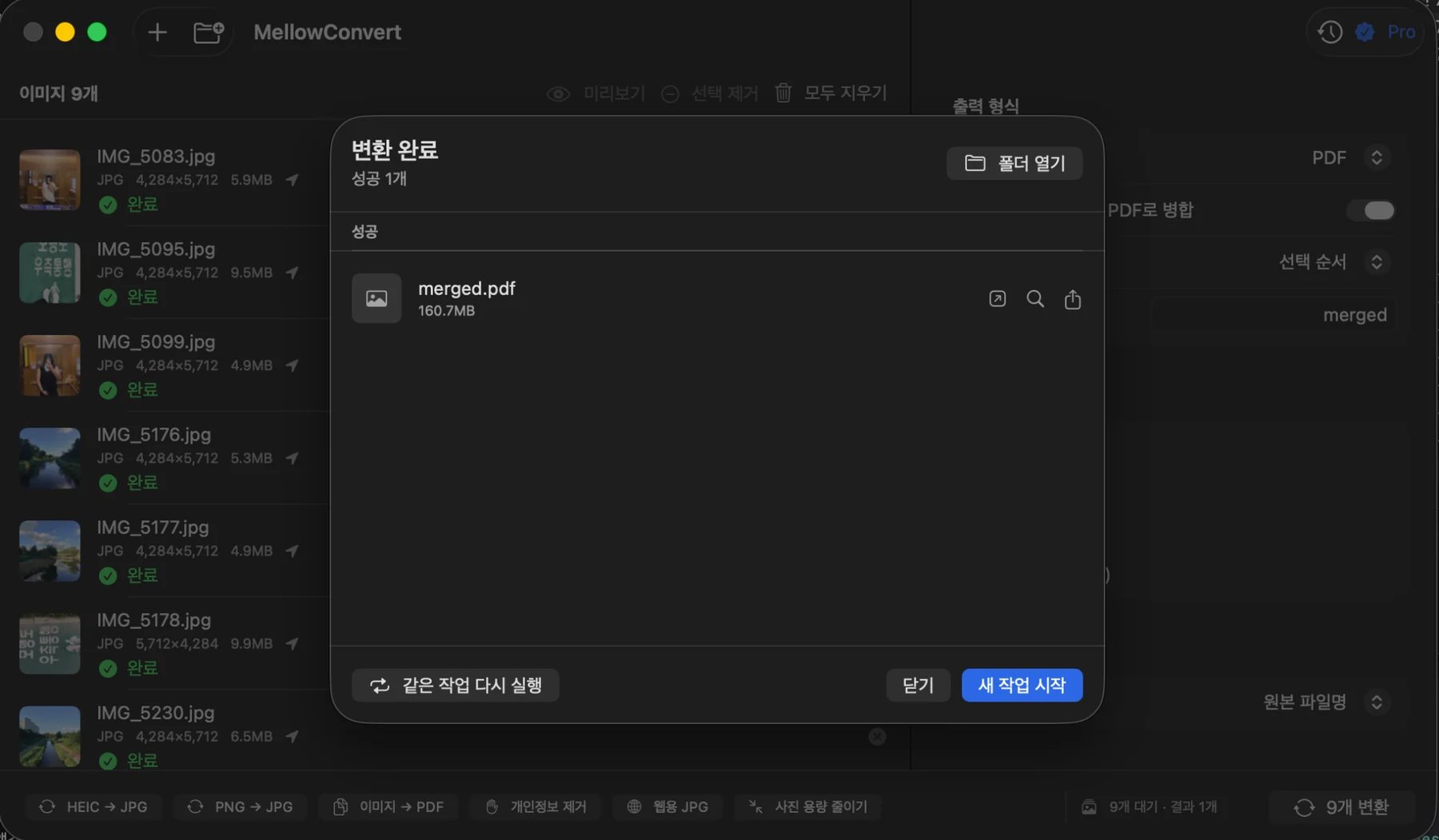
Combine multiple images into a single PDF when you need a document that is easier to archive, send, or share.
Private by design
MellowConvert performs image conversion locally. Your source images and converted results are not uploaded to a Nicechann Studio image-processing server.
When needed, you can also remove location, EXIF and other sensitive metadata before saving the converted file.
Read the Privacy Policy →Start free. Unlock more when you need it.
Free
For quick, everyday image tasks.
Pro · One-time purchase
For larger batches and repeat work.
Requires macOS 13 or later.
MellowConvert for Mac
Choose your files, set the output, and let MellowConvert handle the rest.
View on the Mac App Store